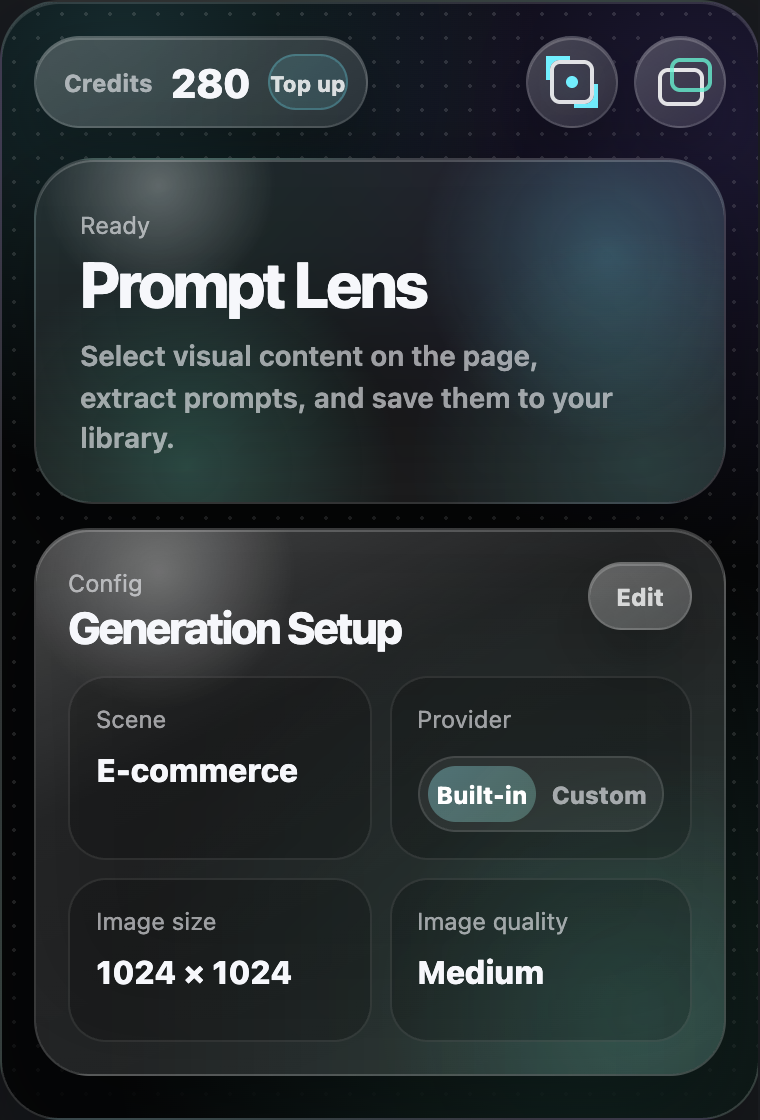
RUSHLATTE PLUGIN 01 · FRAMECUE
从网页画面,
提取可复用的
创作语言。
Turn page visuals
into reusable
creative language.
框选网页中的视觉内容,拆解主体、构图、风格、色彩与光线,并把有价值的参考继续带入 Studio。 Capture page visuals, extract subject, composition, style, color, and lighting, then carry useful references into Studio.
- 01框选Capture
- 02提取Extract
- 03收藏Collect
- 04再创作Create
01 · 提取01 · EXTRACT
看见结构,
也保留细节。See the structure.
Keep the detail.
点击图片上的 Cue,或直接框选区域。FrameCue 会把视觉内容拆分成可编辑的提示词层,而不是只给出一段难以复用的描述。 Click Cue on an image or capture an area. FrameCue separates the visual into editable prompt layers instead of returning one hard-to-reuse paragraph.
开始提取Start extracting→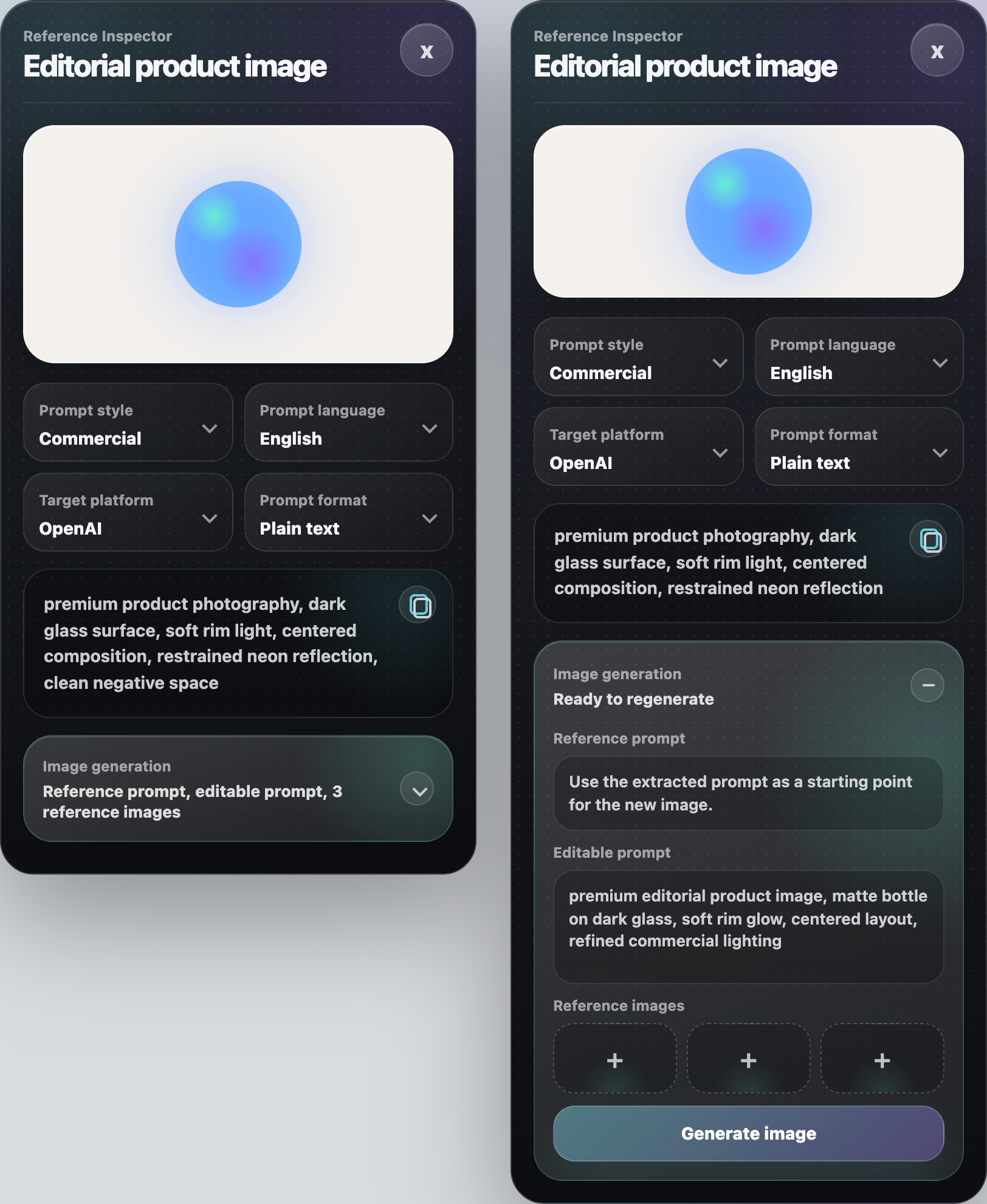
02 · 收藏02 · COLLECT
把好参考,
留在可复用的位置。Keep good references
where they stay useful.
图片、提示词与来源保持关联;批量提取可在后台继续处理,完成后再由你选择收藏至 Studio 素材库。 Images, prompts, and sources stay connected. Batch extraction continues in the background, and you choose what belongs in the Studio library.
进入素材库Open the library→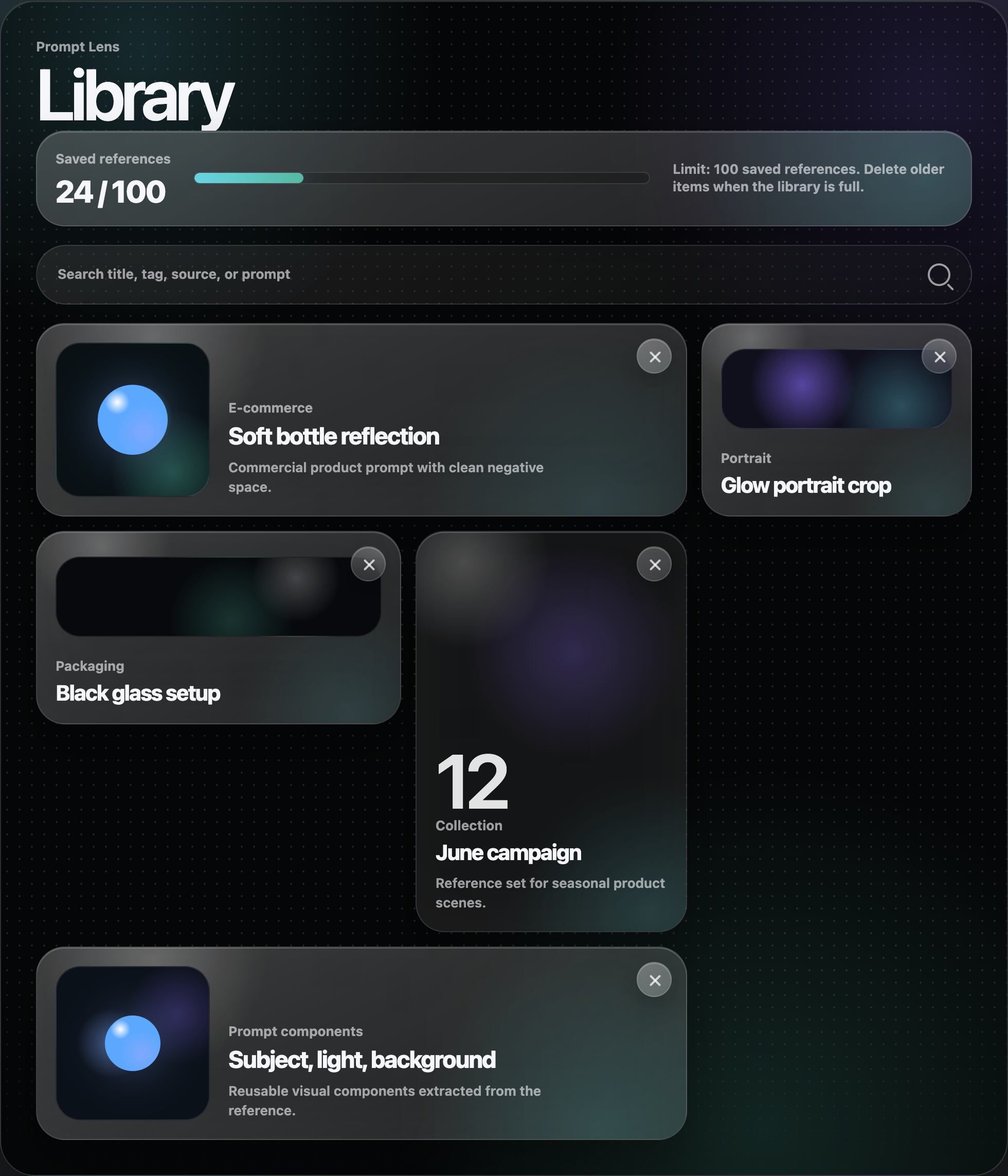
03 · 控制03 · CONTROL
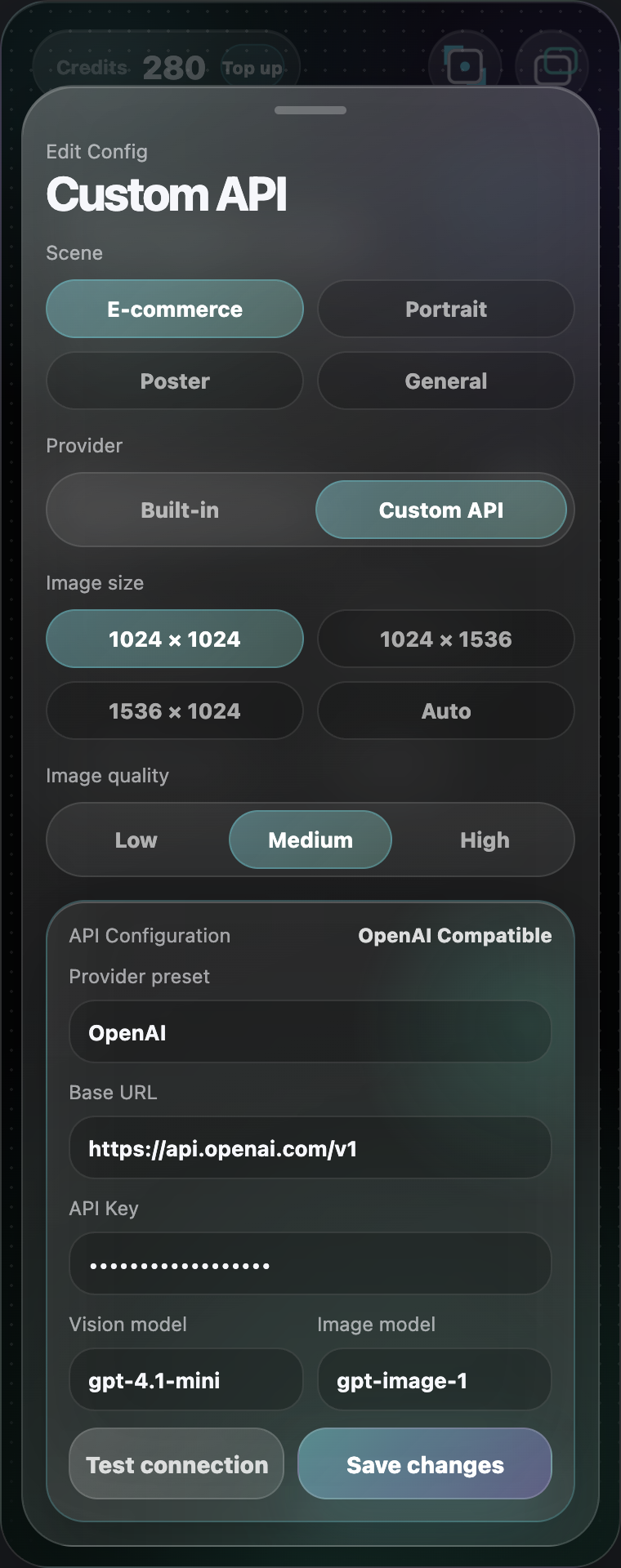
内置能力与自定义 API,
按你的方式工作。Built-in or custom API.
Work your way.
使用平台能力快速开始,也可连接自己的模型供应商、模型名称与 Base URL。配置保留在你的设备中。 Start with the platform service or connect your own provider, model, and Base URL. Your configuration stays on your device.
查看使用指南View support→